Jelly Bubble: Integrating Playful Typography into Creative Workflows
Selecting the right typeface is often the foundational step in establishing a project’s visual identity. For designers, crafters, and small business owners targeting younger demographics or seeking a lighthearted aesthetic, Jelly Bubble serves as a specialized tool within the broader design ecosystem. This rounded display font moves beyond simple decoration; it functions as a strategic asset for creating approachable, high-energy visuals. Understanding how to integrate this bubble-style lettering effectively requires looking at it not just as a stylistic choice, but as a component that interacts with software, production methods, and brand consistency.
Defining the Role of Jelly Bubble in Design Systems
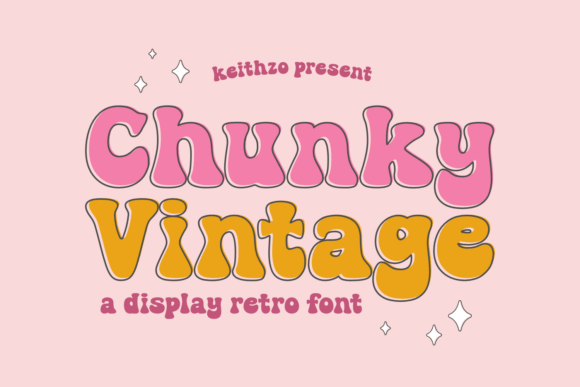
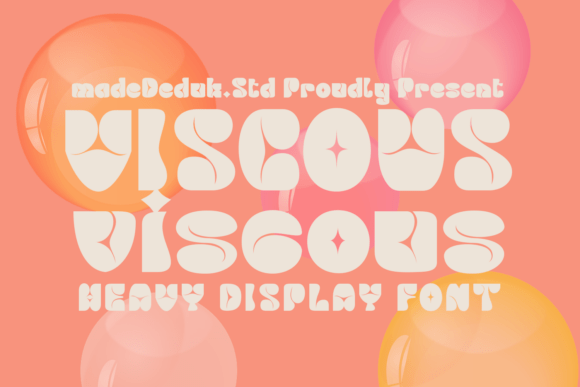
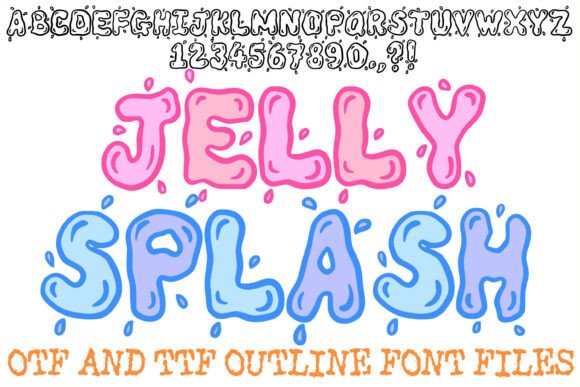
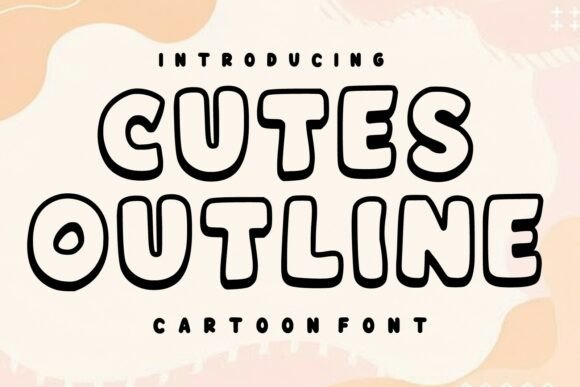
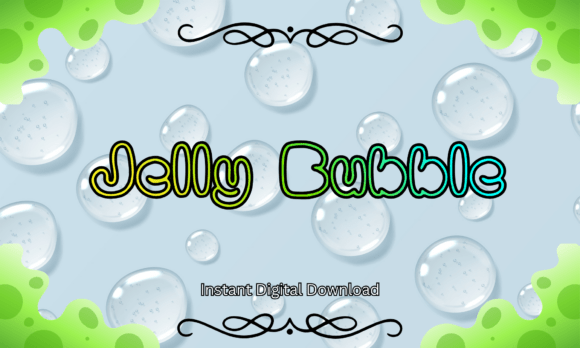
Jelly Bubble is categorized as a playful, kawaii-inspired display typeface featuring soft, inflated letterforms reminiscent of soap bubbles and slime textures. In a practical workflow, this font occupies a specific niche. It is rarely suitable for body copy or dense informational text due to its ornate nature. Instead, it excels in high-impact applications where immediate emotional engagement is the goal. When planning a project, consider Jelly Bubble as the "hook" element—the typography used for headlines, logos, stickers, and primary call-to-action graphics.
The font’s aesthetic aligns with current trends in digital illustration and physical crafting. Its rounded cartoon typography provides a handmade feel without the inconsistency of actual hand-lettering. This balance is crucial for professionals who need the charm of custom art combined with the efficiency and scalability of digital vector files. By treating Jelly Bubble as a headline specialist rather than a general-purpose font, creators can maintain readability while injecting personality into their work.
Technical Compatibility and Software Integration
A critical factor in adopting any new font is ensuring it integrates smoothly with existing tools. Jelly Bubble is distributed in both TTF and OTF formats, ensuring broad compatibility across industry-standard platforms. This versatility allows for a seamless transition between different stages of a creative workflow.
- Vector Editing: In Adobe Illustrator and CorelDRAW, the OTF version is ideal for logo design and packaging. These programs allow you to convert text to outlines, enabling further manipulation of the bubble shapes to create custom ligatures or interlocking effects.
- Cutting Machine Software: For sublimation artists and crafters using Cricut Design Space or Silhouette Studio, Jelly Bubble’s clean paths are advantageous. Unlike some distressed or grunge fonts that cause cutting errors, the smooth curves of this typeface result in cleaner weeding and faster machine processing times.
- Raster and Layout Tools: Photoshop, Procreate, and Canva users benefit from the TTF format for social media graphics and digital invitations. The font renders crisply at various sizes, making it reliable for Instagram stories, YouTube thumbnails, and web banners.
- Office Applications: Microsoft Word and PowerPoint support is included, allowing educators and administrators to create cohesive classroom decor or internal newsletters that match external branding materials.
Before beginning a project, verify that your software version supports OpenType features if you plan to utilize specific stylistic alternates. While Jelly Bubble includes standard uppercase, lowercase, numbers, and symbols, testing the font in your specific environment prevents mid-project technical friction.
Workflow Applications: From Concept to Production
Implementing Jelly Bubble effectively depends on the specific output medium. The font behaves differently in digital spaces compared to physical manufacturing processes. Adapting your technique based on the end product ensures professional quality control.
Sublimation and Physical Merchandise
When designing for sublimation tumblers, t-shirts, or decals, line weight is paramount. Jelly Bubble’s thick, inflated strokes provide excellent coverage, but designers must account for material shrinkage and ink bleed. During the file preparation stage, slightly increasing the tracking (letter spacing) can prevent letters from fusing together during the heat press process. Because the font has a handwritten feel, avoid forcing perfect alignment; slight organic variations in placement often enhance the kawaii aesthetic and make the final product appear more bespoke.
Digital Branding and Social Media
For social media graphics and web assets, contrast is key. Pair Jelly Bubble with a clean sans-serif or a simple monoline script. The bubble font should carry the visual weight, while secondary fonts handle logistical information like dates, prices, or URLs. In video content or animated graphics, the rounded nature of Jelly Bubble pairs well with bouncy motion graphics and bright color palettes. Ensure sufficient padding around the text, as the outer curves of the characters can get cropped easily in responsive layouts if margins are too tight.
Educational and Kids-Themed Projects
Educators and children’s book illustrators utilize this font to reduce cognitive load for early readers. The distinct, non-threatening shapes help differentiate letters that often confuse young learners. When creating classroom decor or learning aids, prioritize legibility over stylistic flourishes. Use the uppercase set for headers and labels, reserving lowercase for sentence-case phrases to model proper reading mechanics. The commercial use inclusion makes it viable for selling educational printables or teacher resources, provided the licensing terms are respected.
File Management and Licensing Compliance
Efficient asset management is part of a sustainable creative practice. Upon downloading the instant digital files, organize them immediately into your designated font library or cloud storage. Rename folders clearly to distinguish between personal and commercial license versions if applicable. Since Jelly Bubble includes commercial rights, it can be used in client projects and products for sale. However, "commercial use" typically applies to flattened designs, not the redistribution of the font file itself.
Maintain a record of your purchase receipt and license agreement. For freelancers and agencies working with multiple clients, having this documentation readily available streamlines audits and protects against copyright disputes. When delivering final files to clients, always outline or rasterize the text unless they have purchased their own license. This prevents missing font errors and respects intellectual property rights.
Design Best Practices and Quality Control
To maximize the effectiveness of Jelly Bubble, adhere to specific typographic guidelines that preserve its integrity.
- Avoid All-Caps Overload: While the uppercase set is charming, setting entire paragraphs in all-caps bubble letters reduces readability and creates a visually heavy block. Use mixed case or title case to maintain the font's rhythmic flow.
- Color Selection: The 3D-like structure of the letterforms responds exceptionally well to gradients, inner shadows, and highlights. Flat colors work, but adding subtle dimension enhances the "jelly" texture. Test color combinations on the actual output device (monitor vs. printer) as vibrant neons may shift in CMYK conversion.
- Hierarchy Management: Limit Jelly Bubble to one or two elements per composition. If every element competes for attention with bubble lettering, the design becomes chaotic. Let negative space frame the typography to give it room to breathe.
- Scaling Checks: Always preview designs at actual size before finalizing. A stroke width that looks substantial on a 27-inch monitor may become unprintable or uncuttable when scaled down to a 2-inch sticker. Conversely, details may look clunky when scaled up to wall art.
Long-Term Value and Versatility
Investing time in mastering a display font like Jelly Bubble yields compounding returns for creatives who frequently work in the whimsical, youth, or lifestyle sectors. Its compatibility with major cutting machines and design software means it remains relevant regardless of platform updates. The inclusion of numbers and symbols extends its utility beyond simple words, allowing for consistent pricing tags, date stamps, and iconography within a single brand system.
Ultimately, Jelly Bubble is a functional solution for communicating joy and approachability. By understanding its technical specifications, respecting its stylistic boundaries, and integrating it thoughtfully into production workflows, professionals can elevate their creative output. Whether producing physical merchandise, digital content, or educational materials, this typeface offers a reliable method for adding energetic, polished charm to diverse projects. Successful implementation lies not just in installing the file, but in strategically applying its unique characteristics to solve specific communication challenges.